
How to create a support package in Intelli-Site 4.2
Created: 03-19-2026 07:52 PMLast Updated: 03-19-2026 07:52 PM
OVERVIEW
This is the process for creating a support package in Intelli-site 4.2.

Open the Config Utility.

From the tools menu, select the option for Create Support Package.
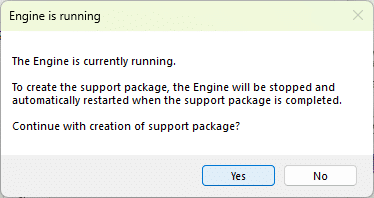
A warning will be presented explaining that the Engine Service will be stopped and restarted automatically. Click the "Yes" button to continue.

Leave the checkboxes checked unless directed otherwise by support. Click the "OK" button to continue.

Use the Save dialog to specify the where to save the support package and click the "Save" button to continue.

Wait for the progress bar to complete. The Engine Service will be automatically started.